Episode 13: Your Signature AI-Assisted Project
You’ve just finished twelve weeks of Zero to AI. You know the tools. You’ve built custom GPTs. You understand how Claude thinks differently from ChatGPT. You’ve used Perplexity. You’ve got the foundation.
Now comes the part that actually matters.
For the next twelve weeks, we’re not learning new tools. We’re not chasing the latest platform. We’re not doing tutorials. We’re building proof.
This week, you’re creating your signature AI-assisted project. Something portfolio-worthy. Something you can show people. Something that makes them say, “Wait, how did you do that so quickly?”
The Reality Check
Let’s be clear about what this week is and what it isn’t.
This is not about learning anything new. You already know the tools. You’ve had twelve weeks with them.
This is not practice. This isn’t a drill. This is a real deliverable that matters to a real person who can actually advance your career.
What this week IS about: doing something impressive with what you already know.
You’re going to complete one project that demonstrates clear value, then document how you did it.
Six months from now, when you’re in an interview or a performance review and someone asks, “So, you’ve been learning AI. What have you actually built?” — this is what you point to.
Not “I took a course” or “I know how to use ChatGPT.” You say, “I built this. Here’s what it did. Here’s how long it took. Here’s the result.”
That’s evidence. That’s proof. And this week, you’re creating your first piece of it.
What Makes a Good Signature Project
Portfolio-worthy means four things.
| Substantial Scale | It’s something that would normally take two to four weeks, but you complete it in less time using AI. If you can do it in twenty minutes, it’s not your signature project. Pick something that would normally take days, not hours. |
| Clear Stakeholder | It has a clear audience — your boss, a client, a colleague, a community. Projects you do for yourself stay on your hard drive. Projects you do for other people become stories, references, and testimonials. |
| Dramatic Improvement | Either you saved significant time, or you improved quality, or ideally both. “This normally takes a week — I did it in two days” is dramatic. “I wrote a nice document” is not. |
| Transparent AI Use | You can explain how AI contributed. Your competitive advantage IS that you know how to use AI effectively. Document it. Screenshot your workflow. Note which tools you used for what. Be proud of it. |
Good Examples vs Bad Examples
What works
A market research report on your competitor landscape. You use Perplexity to gather information, Claude to synthesise patterns, ChatGPT to draft the structure, then you add your domain expertise and insights. Normally takes two weeks. You do it in three days.
Process documentation for a complex workflow. Something that’s been in people’s heads forever, never written down properly. You use AI to structure it, create diagrams, write clear instructions. You turn tribal knowledge into a proper manual.
A stakeholder analysis for a major initiative. Who cares, who has power, who’s going to resist, what’s their motivation. You use AI to map relationships, identify patterns, and draft communication strategies. Normally takes a week of interviews and synthesis. You do it in two days.
What doesn’t work
“Learn Python.” That’s a learning goal, not a deliverable.
“Explore AI tools.” No stakeholder. No output. Just you playing around.
“Organise my files.” Fine for you personally, but no external impact. No one cares that your desktop is tidy.
The difference? Good projects have someone on the other end saying, “This is useful. Thank you. How did you do this?”
The Workflow Approach
Here’s the four-phase workflow for executing your project.
Phase 1: Research. Gather information. Start with Perplexity — it’s excellent at pulling together information from multiple sources quickly. You’re scanning, finding the landscape, getting your bearings. Don’t spend three hours here. Spend thirty minutes. Get enough to move forward.
Phase 2: Analysis. Synthesise what you’ve found. Claude is strong here — taking messy information and finding patterns, making connections, organising thinking. This is where you add your expertise. AI can help you see patterns, but you decide what matters. This is usually the longest phase, and where the real value gets created.
Phase 3: Creation. Draft the deliverable. ChatGPT is good at generating structure, writing clearly, creating first drafts. The key: you’re not just accepting what it gives you. You’re using it to get to sixty or seventy percent, then you refine from there. The AI drafts. You shape.
Phase 4: Review. Polish the final output. Claude is useful again here — ask it to check for logic gaps, unclear writing, assumptions you haven’t stated. But you make the final calls. You’re the editor. You decide what’s good enough.
Research. Analysis. Creation. Review. You already know how to do all of this. You’ve been practising for twelve weeks.
Common Failure Points
Here’s where people usually mess this up.
- Choosing something too small. If you can do it in twenty minutes, it’s not your signature project. Pick something that makes you slightly nervous. “Can I actually finish this in a week?” is the right level of ambition.
- Not documenting the process. You do amazing work, finish the project, everyone’s happy — then three months later someone asks how you did it and you can’t remember. Document as you go. Screenshots. Quick notes. Which tools you used for what. It takes an extra ten minutes. It’s worth it.
- Hiding the AI involvement. People use AI to create something great, then act like they did it all manually because they’re worried someone will think they’re cheating. Knowing how to use AI effectively IS the skill. If you can take a two-week project and deliver it in three days, that’s not cheating. That’s being effective. Own it.
- Perfectionism paralysis. You spend three days on the project, then another four days trying to make it perfect, and you never actually ship it. Done is better than perfect. Always. Get it to “good enough that someone else finds it valuable,” then ship it. You can always improve it later. But you can’t get credit for work that stays on your hard drive.
Why This Matters
This week matters beyond just completing a project. Here’s what you’re actually building.
Your first major portfolio piece. When you update your CV, when you update LinkedIn, when you’re in an interview — you have something concrete to point to. “I built this. Here’s what it did. Here’s the result.”
Evidence for performance reviews. Instead of saying “I’ve been learning AI,” you say “I used AI to deliver this project sixty percent faster than the traditional approach. Here’s the documentation.” That’s a different conversation.
Stories for interviews. “Tell me about a time you delivered under a tight deadline.” You’ve got an answer. With specifics. With evidence.
Confidence. After this week, you’re not someone who’s “learning AI.” You’re someone who’s delivered something real using AI. That’s a mindset shift, and it matters.
The Three Levels
Choose based on your available time this week. All three levels give you portfolio-worthy evidence. Minimum is not failure. Minimum is realistic.
| Level | Time | What You Do |
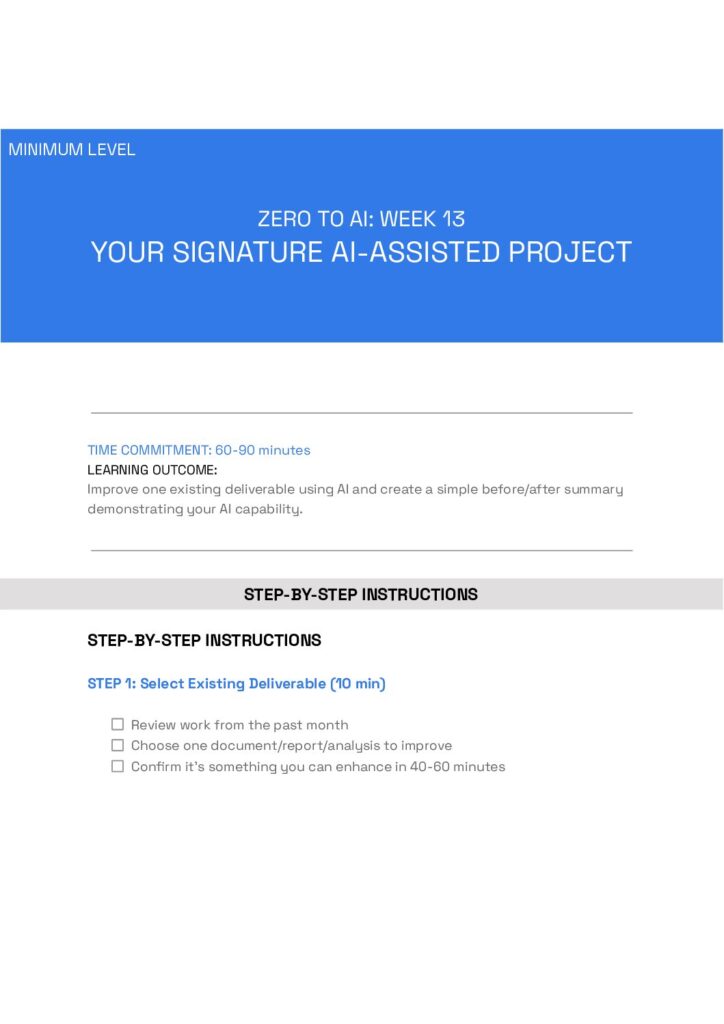
| Minimum | 60–90 min | Take one existing deliverable from the past month. Use AI to significantly improve it — better insights, clearer writing, stronger recommendations. Create a simple three-sentence before-and-after summary showing what changed. |
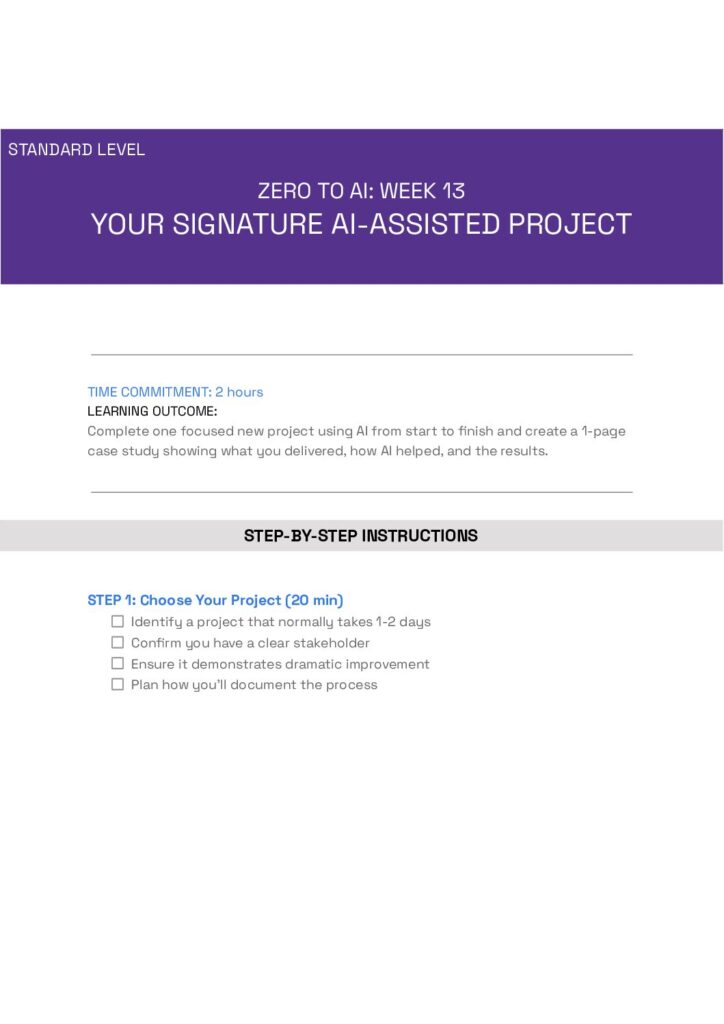
| Standard | 2 hours | Complete one focused new project using AI from start to finish. Something that would normally take a full day or two. Document your process with screenshots or notes. Create a one-page case study. Share it with at least one stakeholder. |
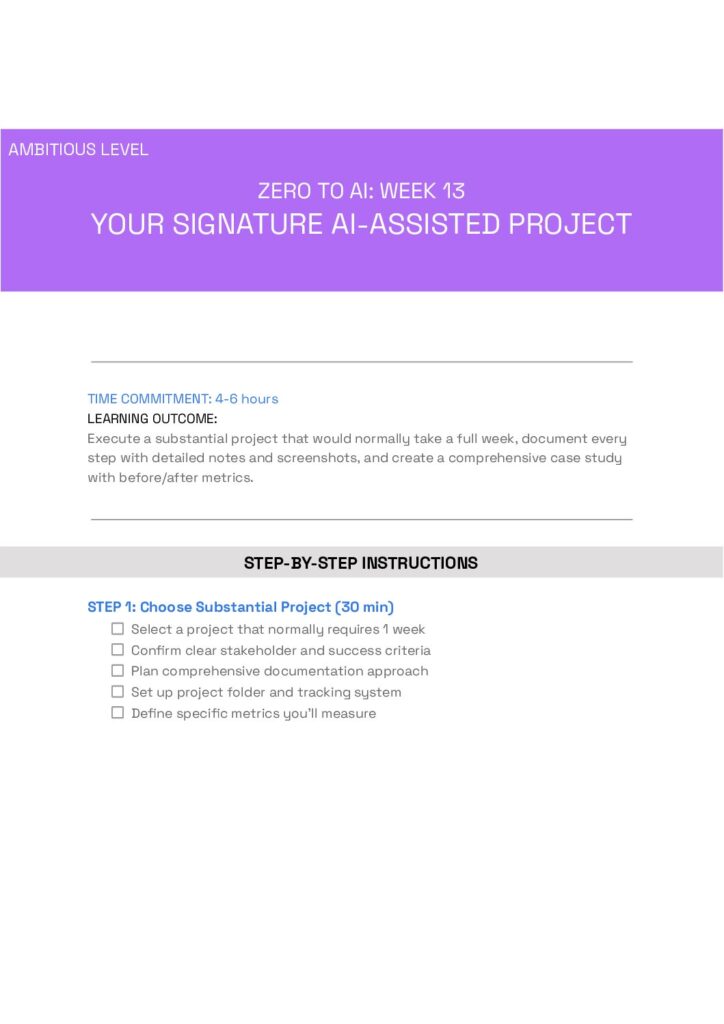
| Ambitious | 4–6 hours | Execute a substantial project that would normally take a full week. Use the complete workflow: research, analysis, creation, review. Document every step. Create a comprehensive case study with time comparisons and quality metrics. Present results to stakeholders. |
Your Action Plan
Here’s what to do this week.
- Download your chosen guide — Minimum, Standard, or Ambitious. Pick one. Don’t overthink it. The 3 downloads are found at the bottom of the page. Simply click on the image to download.
- Complete the project by the end of the week. The guide will walk you through it step by step, with templates, checklists, and everything you need.
- Document your work using the templates provided. The documentation is what makes this portfolio-worthy.
- Save the completed guide to your portfolio folder. You’re building a collection. This is the first piece.
Looking Ahead
Next week (Week 14), we’re going to measure your broader efficiency. You’ll do an audit of your AI-driven productivity gains — time saved, quality improved, capacity expanded. That builds directly on this week’s work.
But right now, focus on Week 13. Pick your project. Pick your level. Execute. Document.
By the end of this week, you’ll have something you can point to. And that’s not a small thing.